
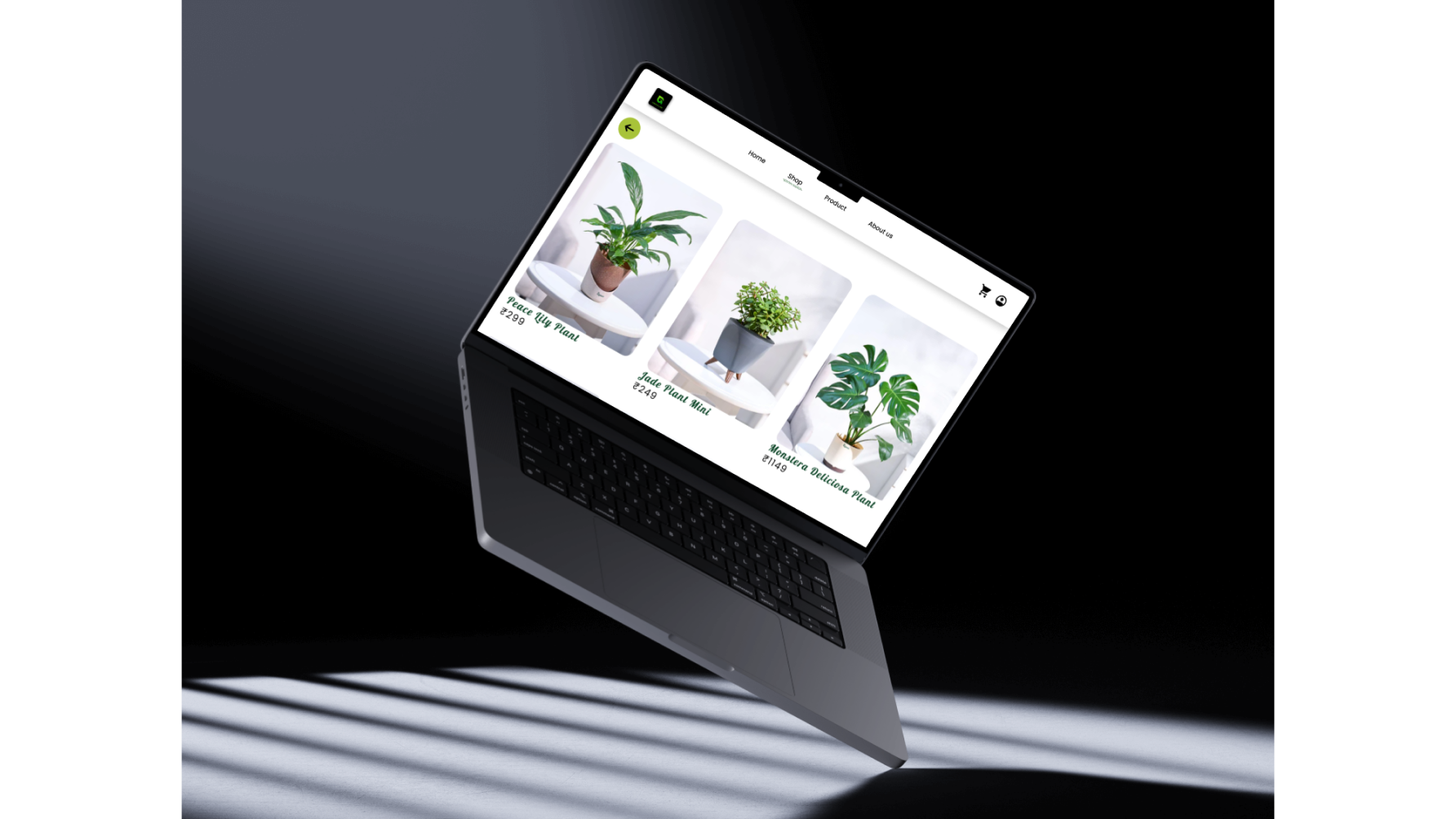
Greenland is online platform for plant lovers that allows them to buy plants, planters along with gardening tools, plant care products and seeds- all in one place. All plants, planters and decor items are true to scale so users can make sure it's the right size, color, and suits their space perfectly. Users can also mix 'n' match plants with various pots/planters of different shapes, colors, and sizes to visualize what combination look the best and make informed decision.
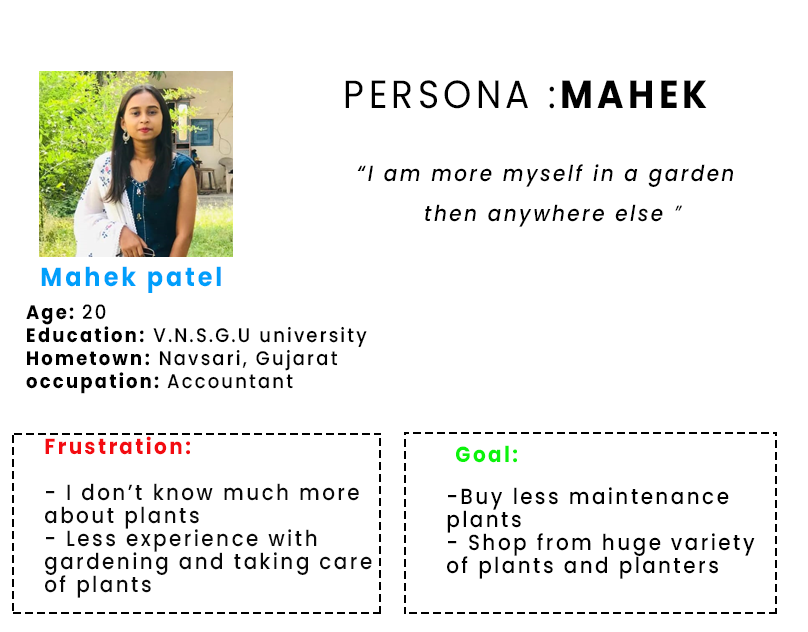
- No complete information of plants.
-Plants die early
- Lack of knowledge about plant disease
-Caring tips for plants.
-Bad experience with indoor plants.
--No enough variety of plants to choose from.
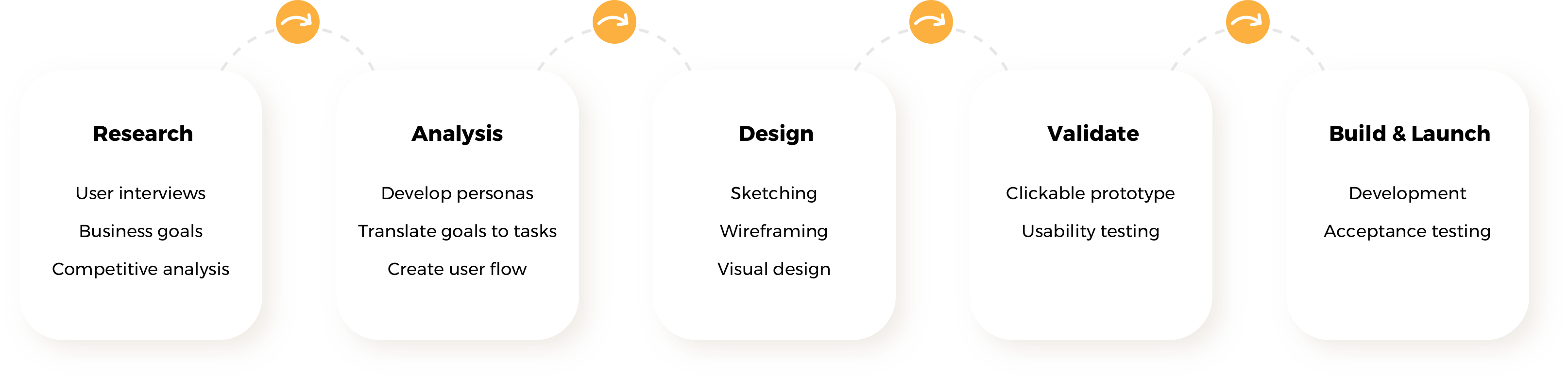
Our team included a UX designer, two developers, and a program manager. As the sole designer, I was responsible for conducting research, producing sketches, wireframes, mockups and a prototype, and undertaking usability testing. I worked directly with the client on iterating the user flows, which were a vital component of this project. I also interfaced with our developers to plan and carry out acceptance testing of the platform before its launch.
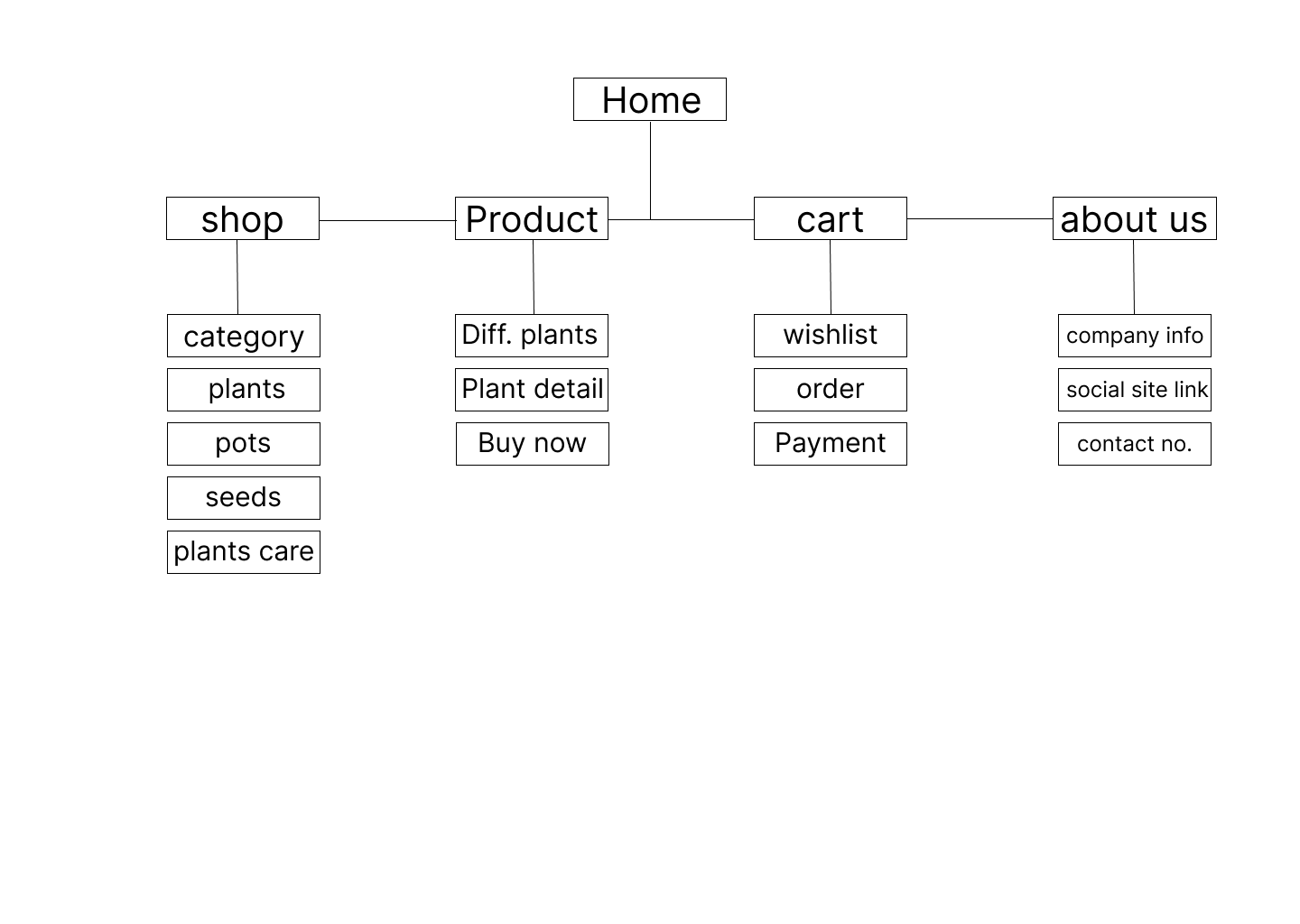
Together with the users, we spent a good proportion of the time iterating over the user flow in detail. It’s super important to build a strong foundation before even thinking about the layout. We would go on to use the final flow diagram throughout the whole project to aid conversation, support the developers and act as a springboard to quickly produce the final wireframes.

This section demonstrates the designed solution, from low-fidelity wireframes to a high-fidelity prototype. Figma was used as the design tool.
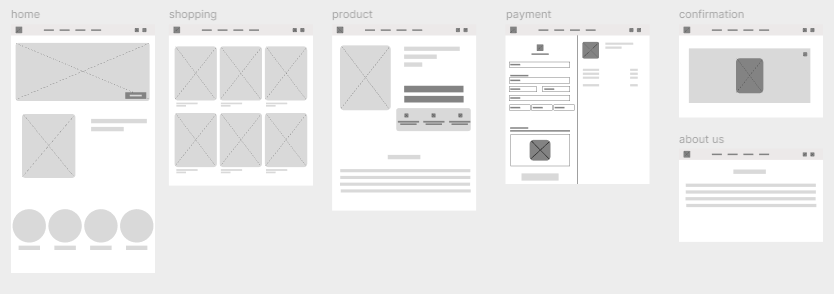
Our robust user flow diagram allowed us to move quickly to build up the page templates. We could create a wireframe and share the layout ideas with the client quite rapidly.
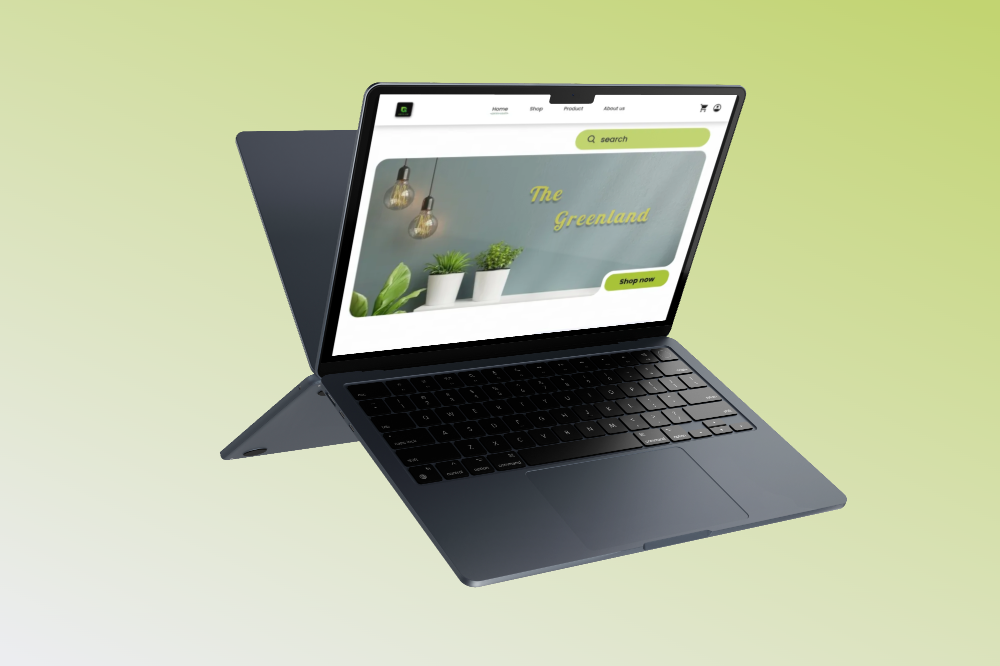
We chose two brand colours and kept the UI simple in order to let the content shine.
Simple and straightforward navigation. Search for your favourite plants, planters, seeds,etc – quick access to all the information you need.
.png)
.png)
Get your favourite plants, pot, seeds or plant care easily with category function which shortlist with the user want and needs.
Finding the right plants to get benefits to your health. Make your decision right to choice your favourite plants. know more about the plants with the customer service.
If you don't see any result in service or advice to get the plant healthy, there will be a customer service available to help you.0
.png)
.png)
Make your payment easily with e-banking, debit card, credit card or with the help of UPI.
A clickable prototype was built using Marvel. It served two purposes: one to support the developers, and two to act as a usability testing tool.
See Prototype Final projectStakeholder meetings: Having everyone in the room at the same time proved invaluable. It kept the decision loop short gave us all a chance to all get energized and start to get excited about solving the problem ahead!
User Flow Diagram: Most discussions in the initial phase of the project focused around the user flow diagram. It was used to design the user-interface, to produce the prototype, and as a guide when building the platform.
Online Platform: Following a successful launch, we are taking a short breather and preparing to enter into Phase 2 of the project. We plan to add a messaging feature to the platform.
Measure and Iterate: We’re tracking bug reports and collecting support tickets and user feedback to inform the next phase of the project.